I make a lot of things that stay silent: specs, diagrams, boxes, arrows, and the occasional dotted line that means “someone will figure this out later.” In twenty-odd years, none of it has ever made a sound.
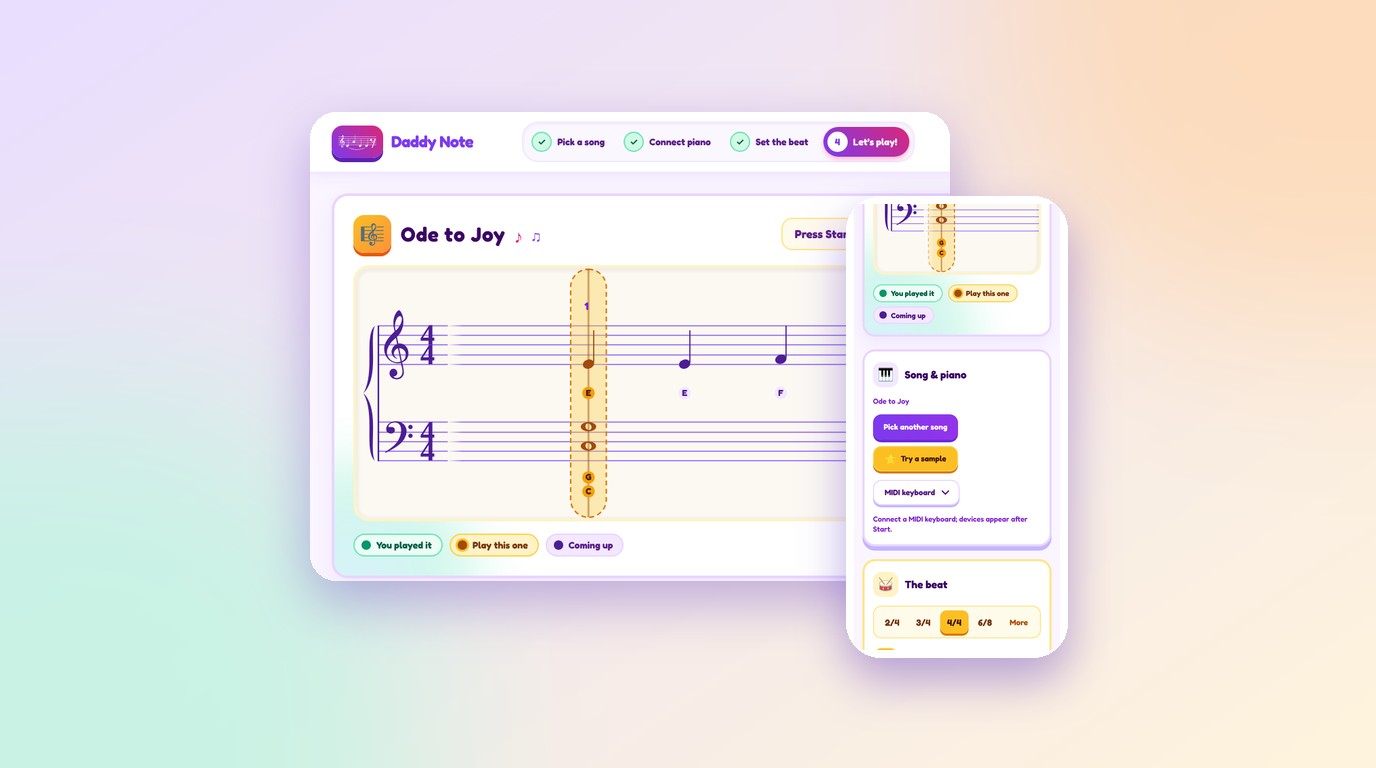
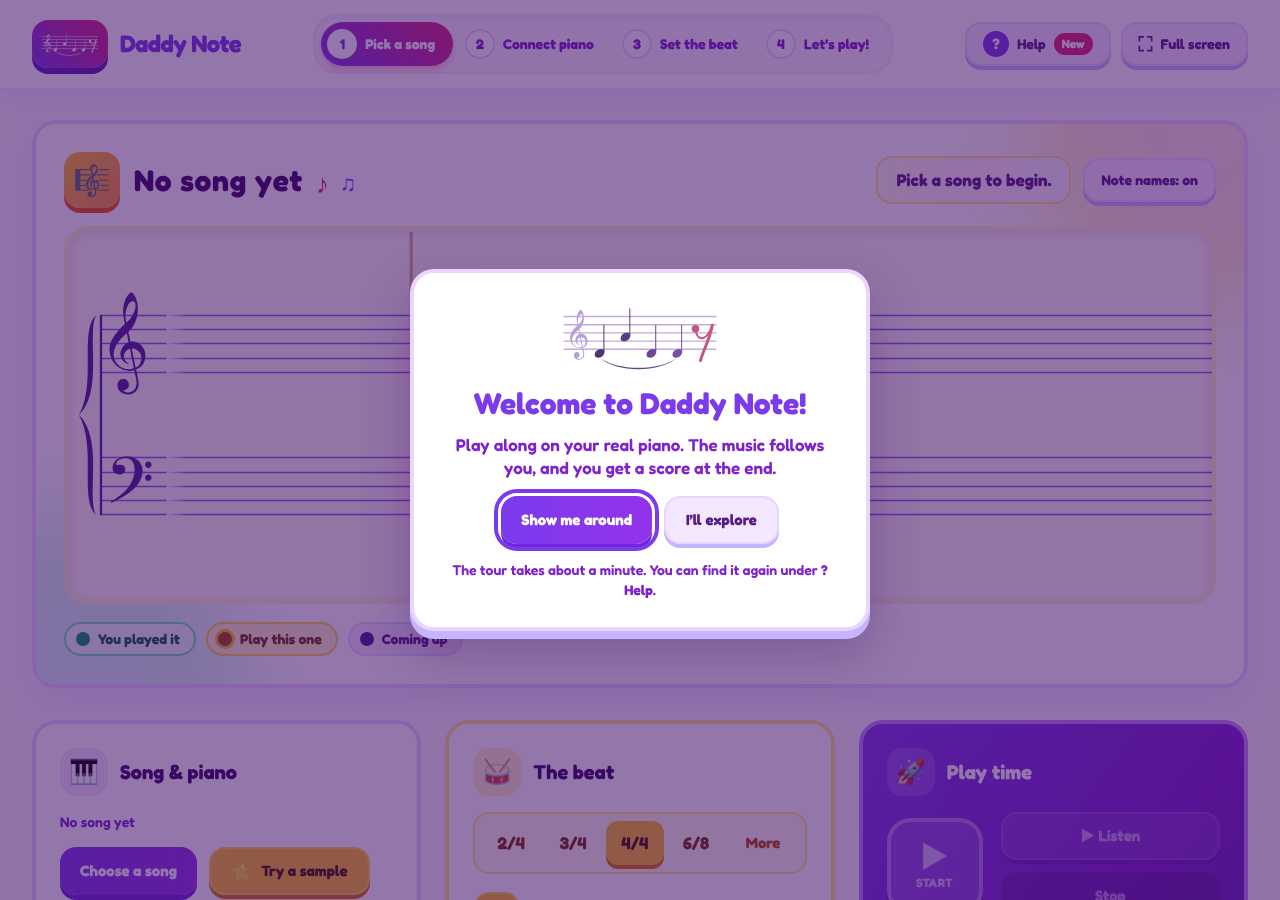
So this time I wore every hat: product manager, UX and UI designer, architect, technology picker, analytics designer. The building was done purely by a team of AI agents that I also designed. It’s called Daddy Note, it lives at daddynote.app, and when everything goes right, a piano makes noise and a screen tells you how badly you played it.
Why: Grade 2 is my ceiling
The reason is small and personal. I needed an app to help my daughter practise piano pieces, because once they go beyond Grade 2, they get more difficult for me. My ceiling as a piano dad is roughly Grade 2. After that I need backup, and my first instinct, as always, is to write a spec.
The name is the other half of the story. I’m the daddy, and my nickname is Note. Daddy Note. It’s also a musical term, which is convenient when you’re building a piano app.
The problem: sheet music never waits
Sheet music has one personality flaw. It doesn’t wait. Miss a note and the page carries on without you, like a train that has heard all your excuses before.
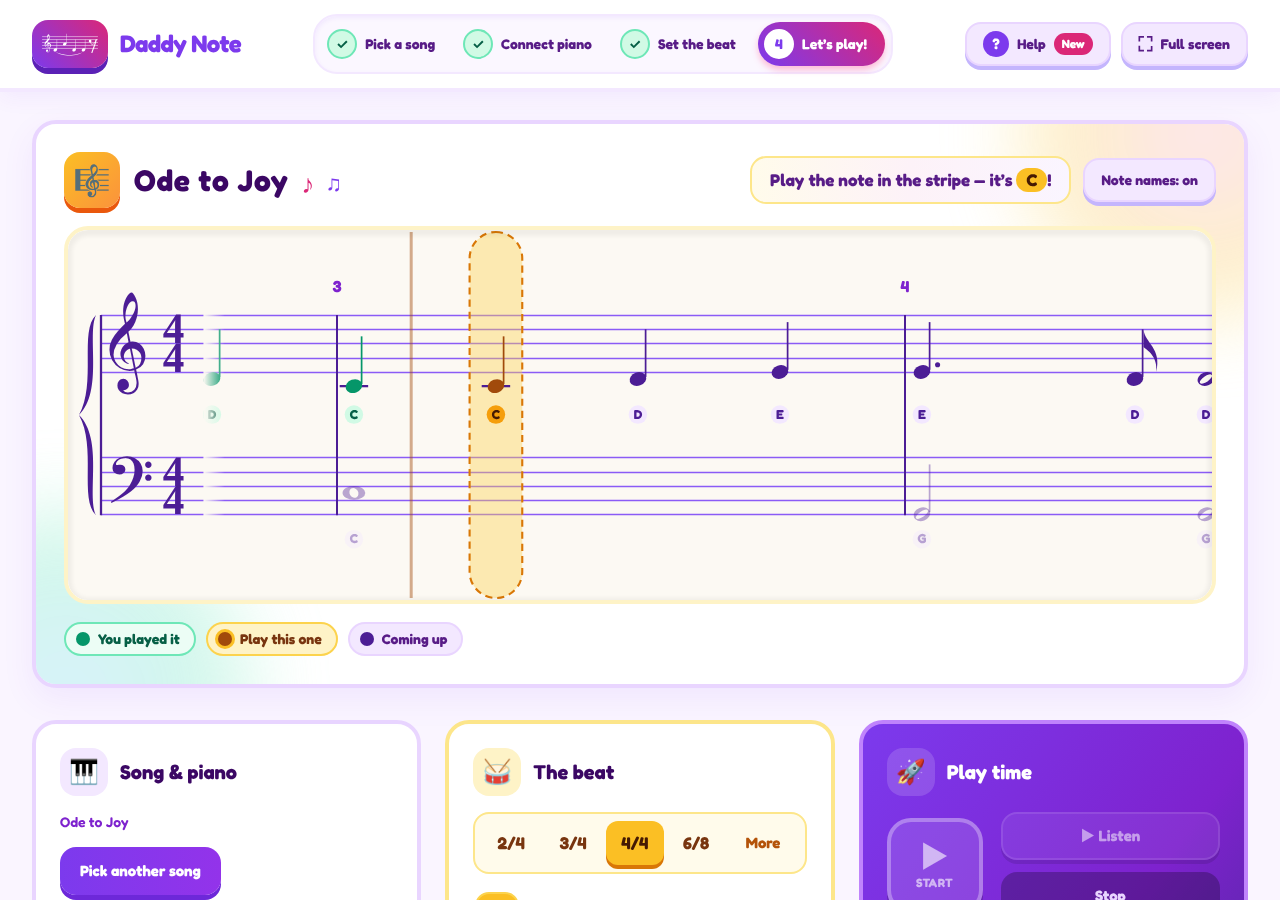
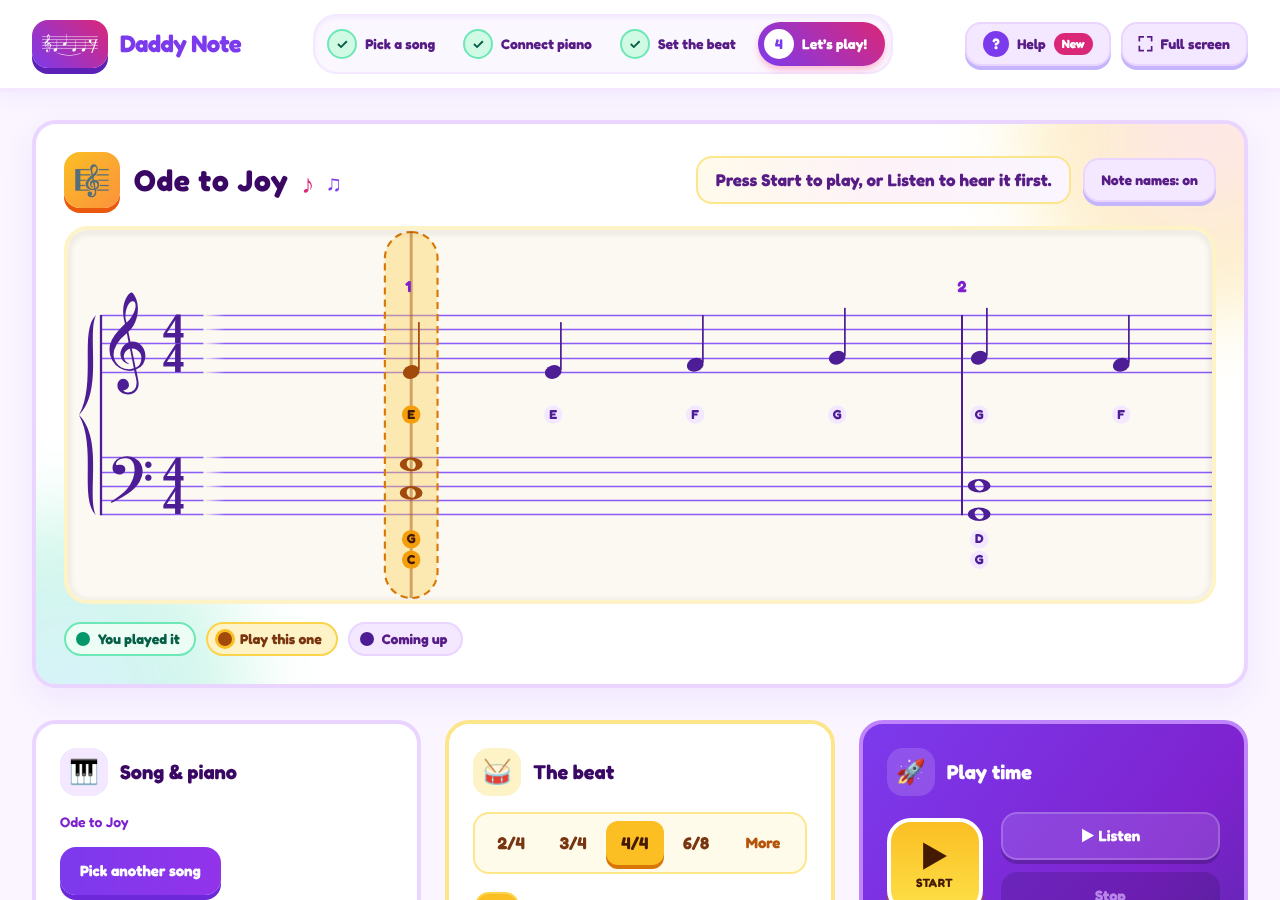
Daddy Note flips that. Load a score, switch on the metronome, and the scrolling grand staff follows you. Stop to think and it waits on the next note, while the metronome keeps ticking, because time is not interested in your feelings. Press Stop and an accuracy report appears.
You play a real piano. A MIDI keyboard works in Chrome, Edge or Opera, and the microphone is the fallback.
The team: one folder each
I designed the team and its rules. The building was done purely by AI agents, and it felt less like programming and more like directing a highly capable engineering team. The repo has the org chart. Every agent owns one folder: score-engineer, audio-engineer, practice-engine, ui-engineer, qa-tester, product-owner and devops-engineer. A backend-engineer is listed as “planned,” which is the most enterprise thing in the whole project: a job title with no output.
The modules talk to each other only through one shared file, src/types.ts. At work, that’s a forty-page interface agreement and a steering committee. Here it’s a TypeScript file. Call each agent a bounded context if you want to feel important. Everyone stays in their own folder.
Now the rule, and I know how this sounds: no human code review. Every change goes through a pull request. A code-reviewer agent looks first, then a Claude review and CI both have to pass before anything merges. I haven’t removed review. I’ve moved it somewhere that doesn’t need coffee.
Four days of building
I chose Vite and TypeScript, with absolutely no UI framework. I’m told going vanilla is brave, but when you’re orchestrating an AI squad, it’s just another parameter to feed the system.
I cracked the architectural whip, and by the end of day one, my digital minions had spat out MusicXML, MXL, and MIDI importers, wired up both MIDI and microphone inputs, and built a metronome, a follow-mode trainer, and a full grand-staff UI. The next few days were a blur of me shouting prompts from my director’s chair while the agents furiously churned out logic and wired the whole thing together.
In exactly four days of actual building, we went from a blank spec sheet to a live, breathing application deployed to production.
Listen, hands and loops
The app can also play the song itself. “Listen” performs it on a recorded grand piano, starts with a one-bar count-in, and follows the score’s tempo changes. The piano is the Salamander Grand Piano by Alexander Holm (CC BY 3.0): a real recording, not my idea of what a sine wave thinks a piano sounds like.
The practice tools are the useful part. Hands lets you play Both, Right or Left, so your two hands can finally attend separate sessions. Loop bars repeat the same few bars until you and they reach an understanding. You can scrub to a start note, see note names under the notes, spot key-change marks, and get time signatures with per-beat accents. There’s a Help tour for the shy.
Phones, iPads and the pixel-hunting commits
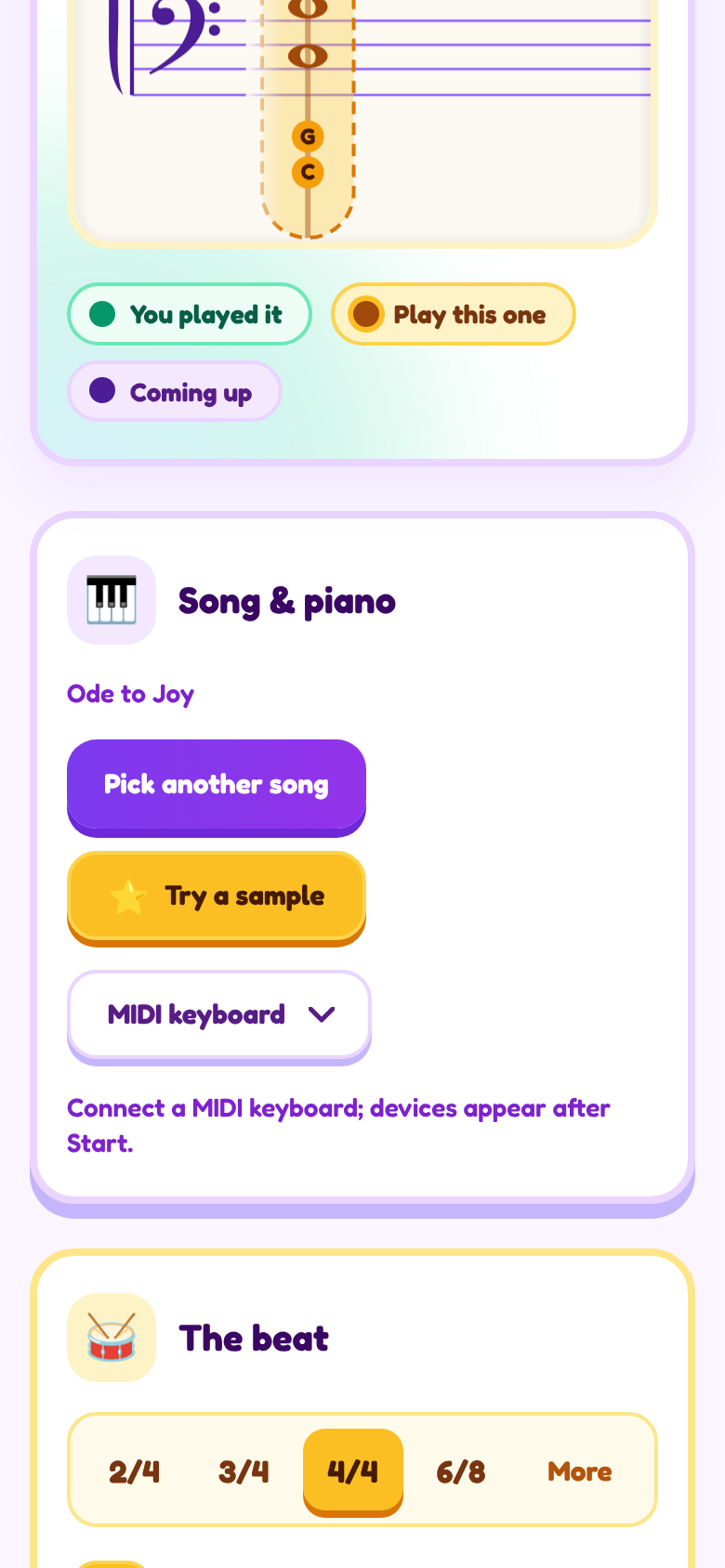
Then came the small screens. Daddy Note has a full-screen practice layout for iPad that you can install to the home screen, and phone layouts that go down to 320 pixels wide. “Responsive” looks lovely on a diagram. In the git log it looks like this:
Fit the full-screen play bar on phones down to 320px
Stop the speed slider covering the tempo number at 580-630px
The second one is my favourite. Somewhere in a fifty-pixel window, a slider was sitting on a number, and justice was served.
Privacy: the grown-up taps Allow
I designed the analytics and tracking myself, and Google Analytics 4 is opt-in. Nothing loads until a grown-up taps Allow, and Do Not Track is honoured. It’s the only kind of analytics I’d be comfortable explaining to a piano.
Shipping: main and live
Two branches. main is the staging preview. live is production, promoted by hand after review. Deployment runs on Cloudflare Workers Builds.
So no human reviews the code, but a human still decides when the public sees it. Architects call that a governance boundary. Everyone else calls it the human bit.
The report card
For the screenshots, I ran the app with a simulated piano, a very obedient robot that sent all 30 notes of “Ode to Joy” in about seven seconds. Every one was correct.
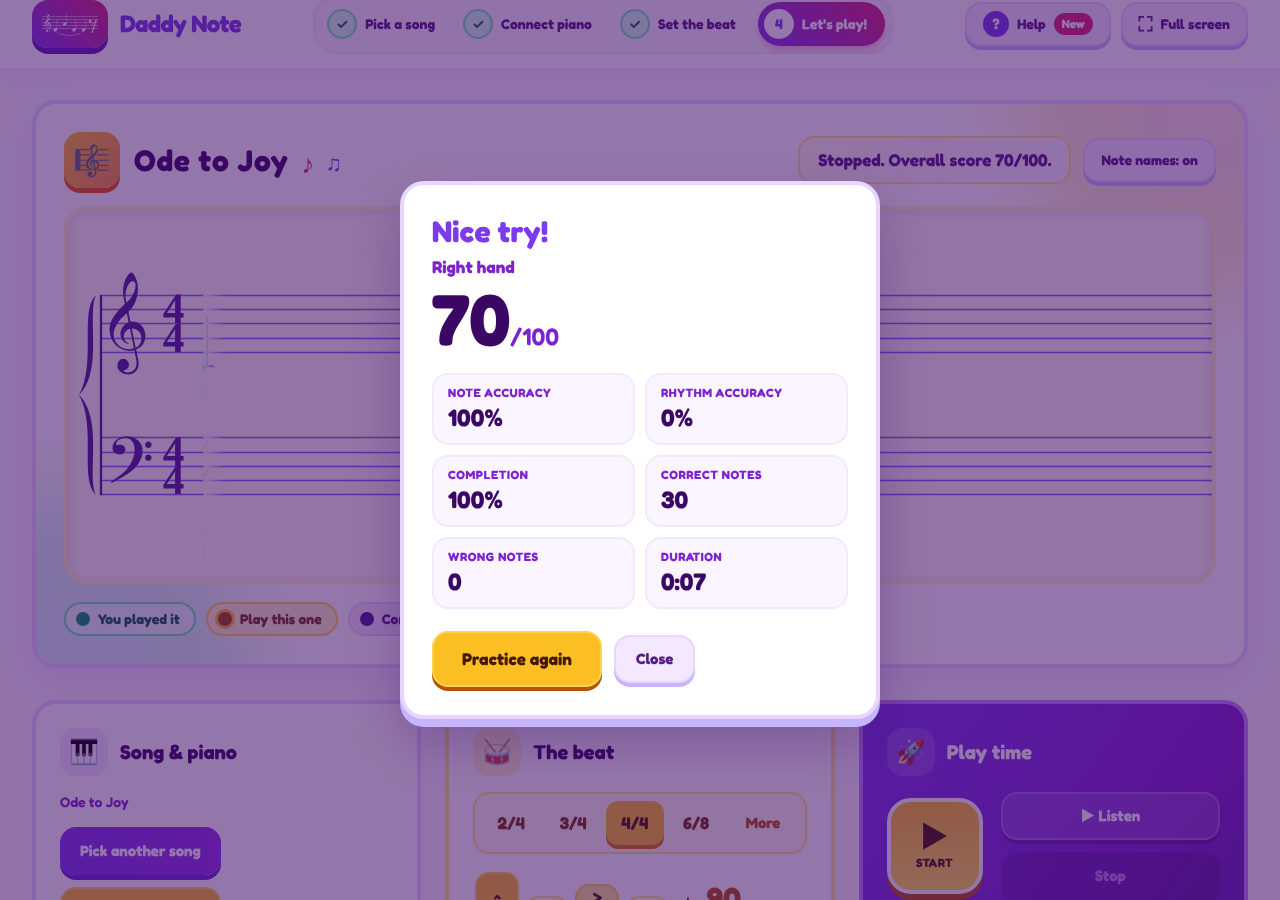
Note accuracy: 100%. Completion: 100%. Wrong notes: zero. Rhythm accuracy: 0%. Overall: 70 out of 100, with the headline “Nice try!”
The maths is honest. The overall score is 70% note accuracy plus 30% rhythm accuracy, and the robot collected all of the first and none of the second. In enterprise terms: 100% of scope delivered, 0% on schedule, status Green. The robot got every note right and had no rhythm.
What’s next, and what I learned
Planned, not built: photograph sheet music and have the app read it (Audiveris OMR running on Cloud Run), a per-bar mistake heat map, session history, and MIDI latency calibration. None of it exists yet. I’m showing you the roadmap anyway. It’s a product manager’s right.
What I’d tell my next project:
- Start with one real person. Someone you can name beats a market segment.
- When agents do the typing, the spec is the work. The spec, the UX, the team design and the tracking are what’s left for a human to get right.
- One shared file beats one long meeting.
src/types.tsis the most useful architecture document in the repo. - No human review only works if machines enforce it. The reviewer agent, the Claude review and CI all stand between a change and
main.
Now go to daddynote.app, click “Try a sample,” and play Ode to Joy. Play it in time, if you can. The robot couldn’t.
If it breaks, tell me. The agents will act surprised.